Remote Site Inspection Video Chat Tips | Essential Best Practices
Skip the drive and see job sites live through video calls, it saves time and cash. Here are best tricks for clear pictures, clear sound and proper notes. Use these to avoid confusion, keep things moving and get results people trust.
Author:George EvansSep 13, 202545.6K Shares786.8K Views
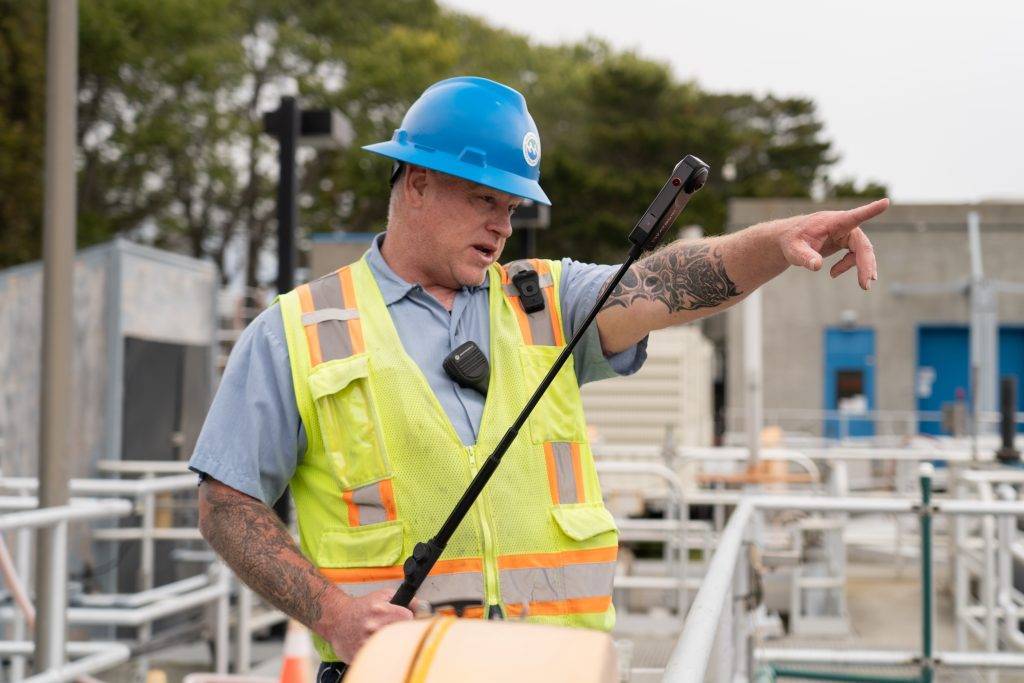
Companies in construction, manufacturing and shipping now use video calls to save money, stay flexible and keep quality high. The technology has gotten so good that virtual checks can sometimes beat being there in person.
Doing it right means knowing the right tools and how to prepare. These are straight-up advice for nailing remote inspections. You'll learn how to set up your tech, talk clearly with your team and get results everyone trusts. These simple steps help you do the job well and keep clients confident.
Plan Your Remote Check Properly First
Gather Your Paperwork
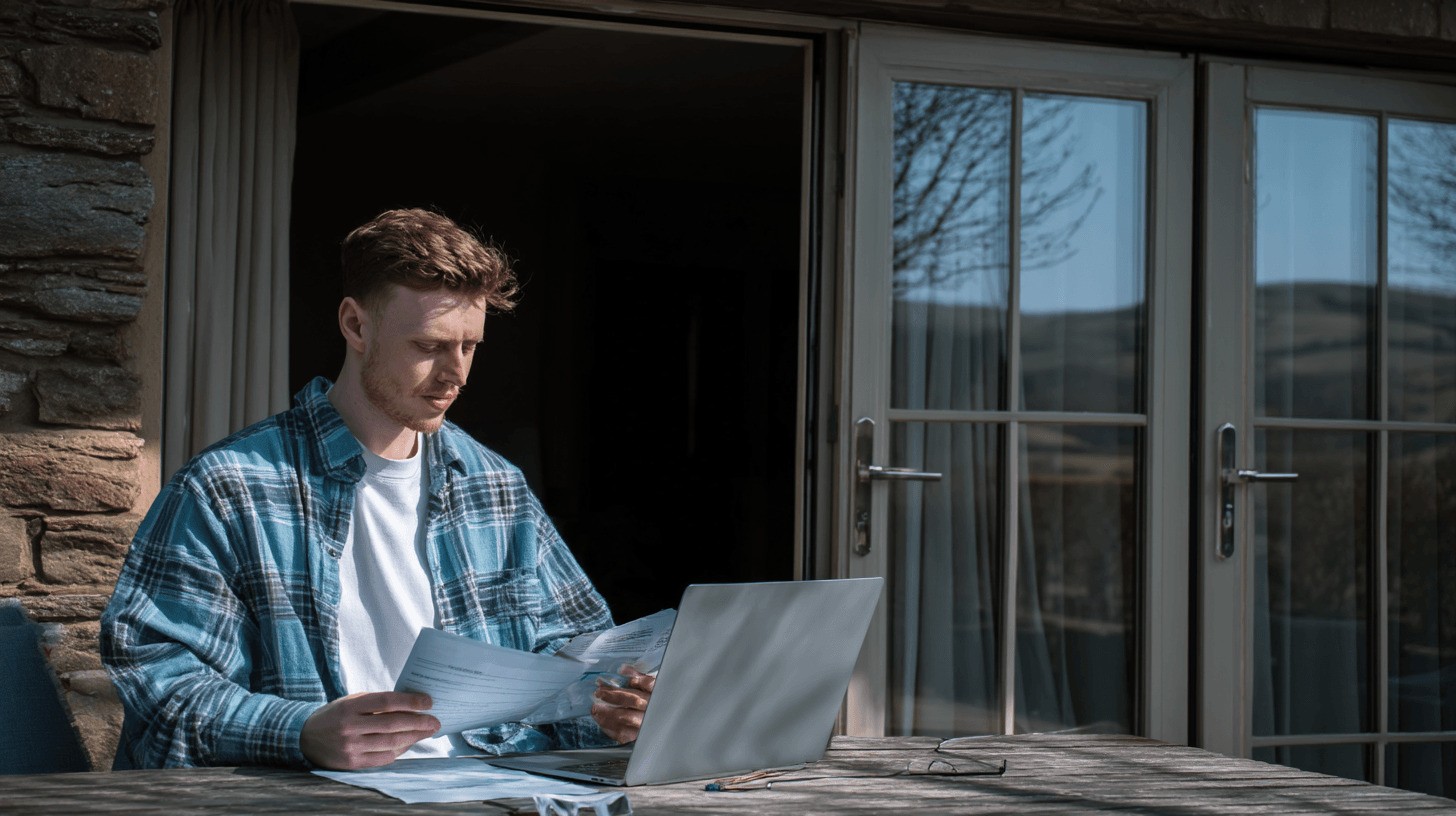
Look over everything first: the project rules, building plans, safety standards and past reports. Make a simple list of exactly what you need to check, what "good" looks like, and what notes you must take. This list keeps you on track during the call.
Talk To The People On Site
Chat with the folks at the location. Understand the space, spot where Wi-Fi might be weak, and agree who does what. Have a quick call beforehand to go over goals and answer their questions. Keep all notes and files in one shared spot everyone can reach through your project platform, email, or even a free anonymous chat optionfor quick updates.
Get Your Video Setup Right
Pick The Right Gear
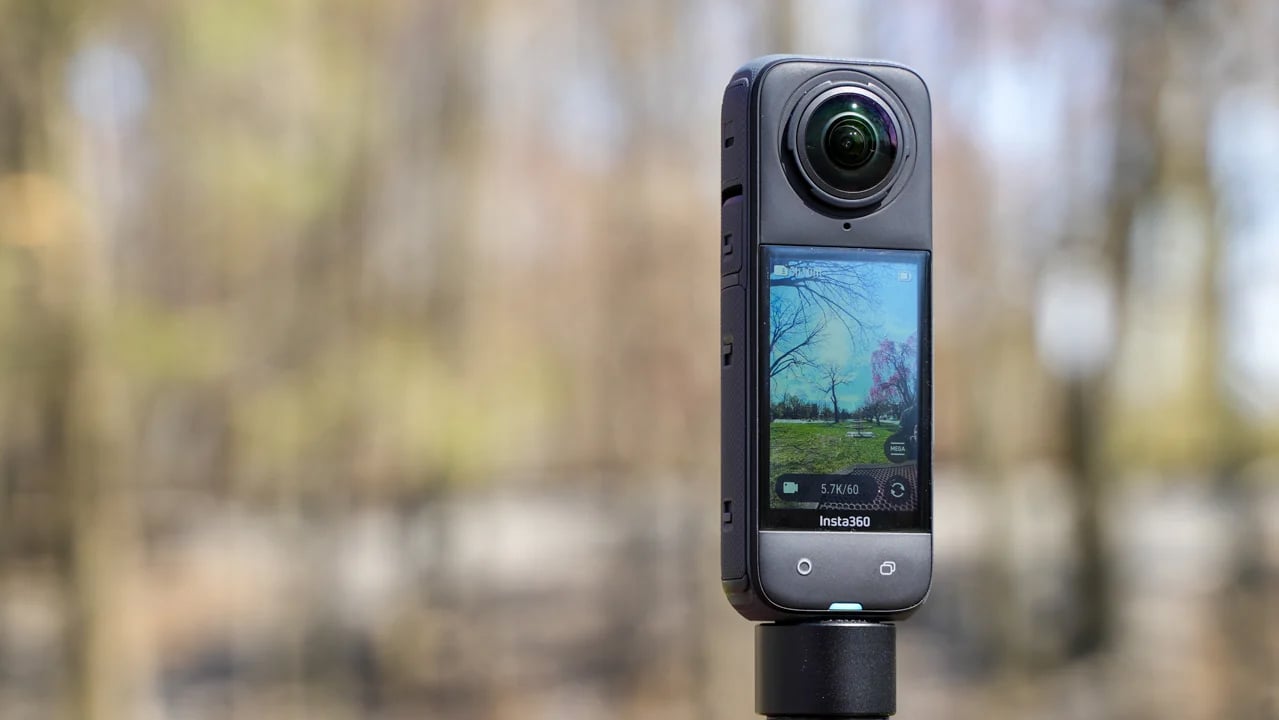
Use a camera that takes clear pictures, especially in dim light. For big or complicated areas, a 360-degree camera helps show everything. Test different spots and angles ahead of time to find the best view.
Check Your Connection
Walk around the site testing your internet speed. Bring a backup plan like a phone hotspot. Update your software and test all gear at least a day early, don’t wait until the last minute.
Fix The Lighting And View
Position cameras to avoid glare, shadows, or things blocking the view. Add extra lights if needed to see dark spots clearly. Pack extras, spare batteries, chargers, a tripod and any special tools for close looks. Skip this, and you might miss something important.
Talk Clearly During Inspections

Good talking is key when you're checking things remotely. Since you can't see everything perfectly on video, you need to speak extra clearly and follow a plan. Mistakes in talking can mean missing problems or having to come back later.
Set Up Communication Before You Start
- Agree on simple hand signals and clear words everyone understands.
- Decide what to do if the tech acts up.
- Show the person on site how to move the camera smoothly, zoom right, and get the best view.
- Practice using tools to point out spots on screen.
Keep Checking You Understand Each Other
- Talk often to confirm you're both on the same page.
- Give exact directions like "turn the camera slightly to the right," not "move it over there."
- Write down important points and decisions as they happen.
- Take short breaks during long checks to stay sharp.
- Have a plan for pausing, restarting, and moving between areas.
- Decide how to handle disagreements in a video callor confusing findings.
Keep Good Records
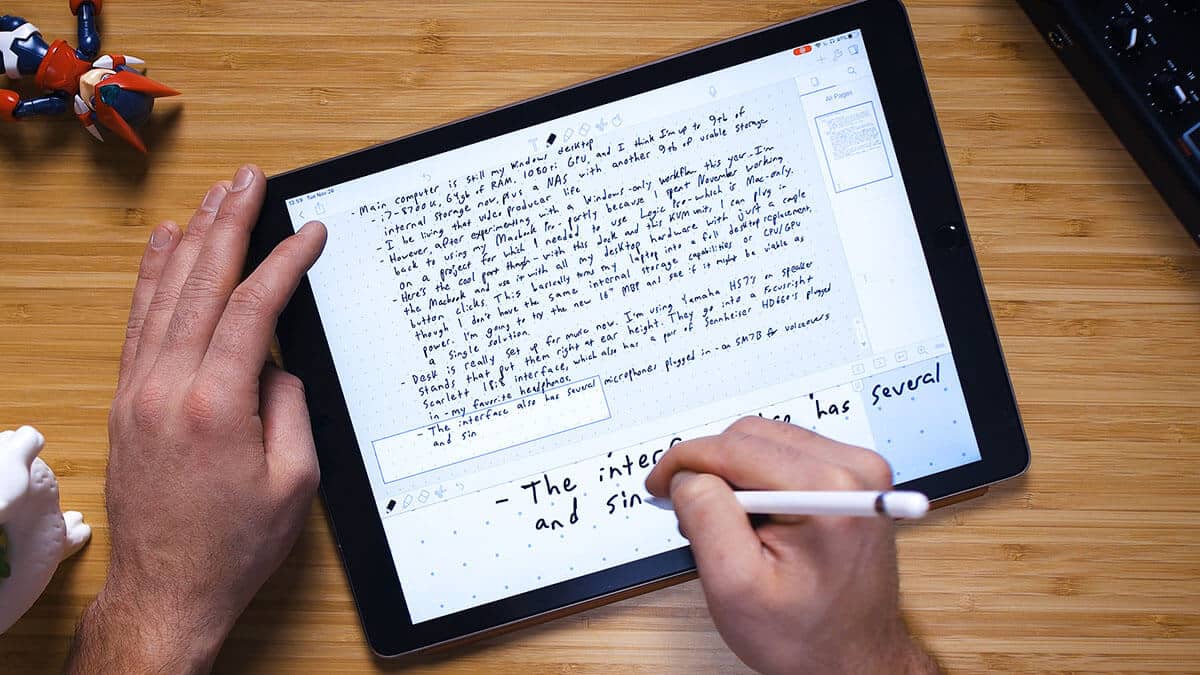
Solid notes turn a simple video call into a proper, reliable inspection. Digital notes are often better than paper, easier to find, share and keep safe long-term. Good records protect your team and help with future jobs.
Record Everything Properly
- Save the whole video call, marking key times and naming who's there.
- Use different types of notes: video clips, clear photos, marked-up screenshots, and short written summaries.
- Store files online securely so only your team can access them, with clear version tracking.
Organize Your Files
- Give files simple, consistent names so you can find them fast later.
- Add details like project number, date, who was involved, and equipment ID.
- Always have a backup plan to avoid losing data and meet storage rules.
Make Notes As You Go
- Use tools to circle or mark problems directly on the video or photos during the check.
- Fill out digital checklists that record when steps are done and create reports automatically.
- Share the finished notes with the right people right after the inspection ends.
Make Inspections Better With Simple Tech
See Measurements Right On Screen
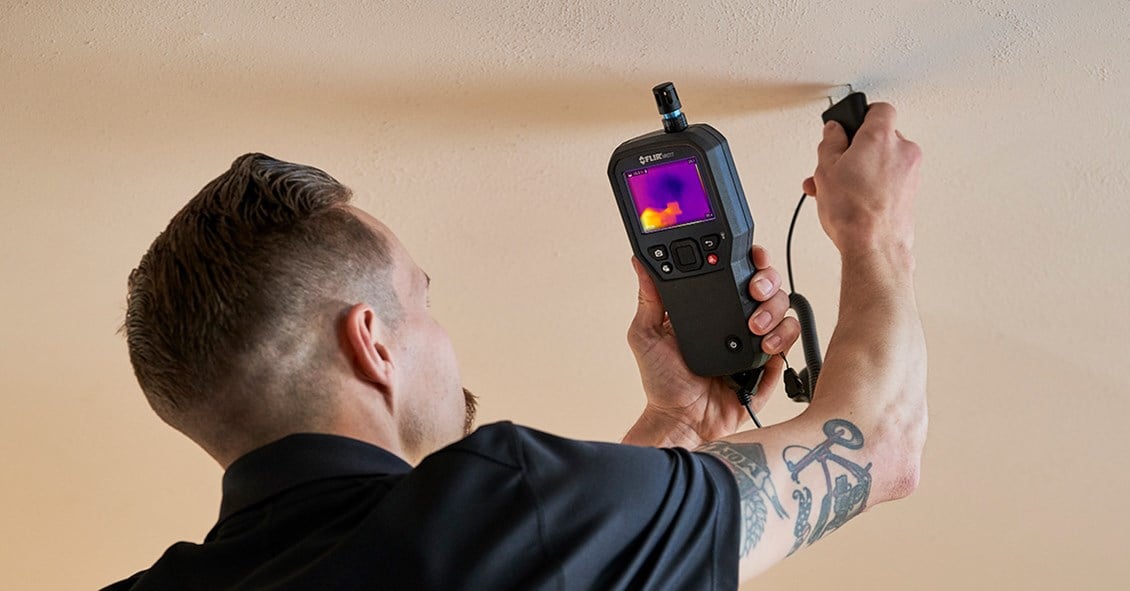
Some apps let you draw lines or boxes directly onto the live video to show exact sizes or gaps without being there. Everyone on the call can point at the same spot and add notes together.
Connect Everything In One Place
Link your video tool with your main project software. This keeps reports, photos, and notes all together. If the system offers it, let smart tools quickly spot common issues or rate quality. Also, get approvals signed digitally right after the call.
Get The Right View Fast
For tricky spots, use more than one camera at once. See the front and side of something simultaneously. Need a roof or tall structure checked, fly a drone for that high-up view.
The DJI Inspire 3 droneis the best for this, add simple sensors too , they show live temperature, moisture, or vibration readings during your inspection.
Skip the tech headaches. Focus on features that save time and give you the clear info you need to do your job well.
Keep Inspections Consistent
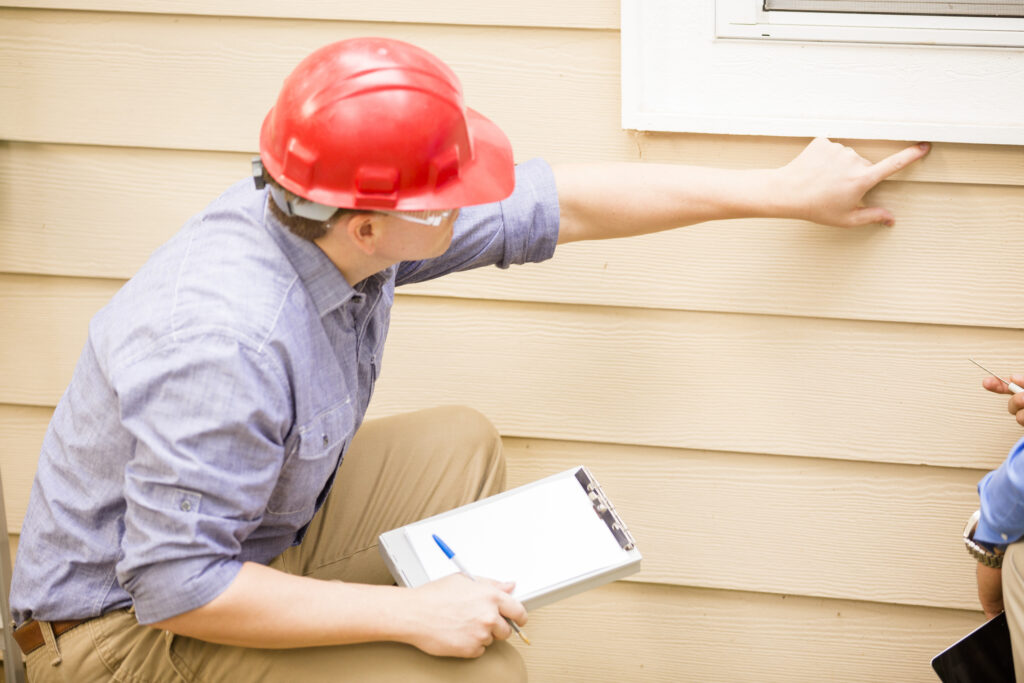
Using the same steps every time makes sure all inspections give reliable results, no matter who does them or where. This builds trust with clients and officials. It also makes training new people easier, especially as your remote inspection work grows.
- Set Clear Steps for Every Job - Make simple checklists for different projects or rules. This stops mistakes and keeps things uniform.
- Check Each Other's Work - Have experienced team members review finished inspections before final reports go out. This extra look catches errors.
- Keep Tools and People Sharp - Regularly test and adjust your equipment. Also, make sure inspectors stay skilled through practice sessions so everyone works to the same high standard.
- Track What Matters - Measure how well inspections are done, how quickly and if clients are happy. Use this info to find where things can get better and prove your remote system works.
- Listen and Improve - Get regular input from clients and on-site staff. Use their feedback to tweak your process and make inspections even better over time.
- Fix Problems Fast - Have clear steps ready for when something fails inspection. Know exactly who to tell and what to do next for urgent issues, including if a follow-up check is needed.
- Keep Learning - Train your team regularly on new tools and industry changes. This ensures everyone stays up-to-date and skilled.
FAQs About Remote Site Inspection Video Chat Tips
What Internet Speed Do I Need For Good Remote Inspections?
You'll need at least 5 Mbps upload speed for clear video. For HD quality, aim for 10 Mbps upload. Match your download speed to your upload speed so calls stay smooth both ways. Always test your internet where you'll inspect, don't wait until the call starts to find out it's too slow.
What If I Can't See A Problem Clearly On Video?
Try different camera angles or adjust the lighting. Zoom in as close as possible and use on-screen drawing tools to circle the issue. If it's still unclear, set up another call with better tools like a higher-resolution camera and explain why you need the extra look.
Will Regulators Accept Remote Inspections?
Some rules allow them, but it depends on where you are and your industry. Always check the latest requirements before starting. Keep detailed notes showing how your inspections meet standards, and talk directly with regulators if you're unsure.
What's Your Backup Plan If Tech Fails During An Inspection?
Have a Plan B ready, a second internet option like a hotspot, spare devices and simple troubleshooting steps for your team. Train everyone to handle common glitches fast. If things go sideways, pause the inspection, it's better than pushing through with poor video.
How Do I Train On-site Staff For These Video Inspections?
Show them hands-on: how to hold cameras steady, what to say during calls, and safety rules. Give them quick-reference guides for the day of the inspection, pair new staff with veterans, and run practice calls first. Confidence comes from doing it before the real thing.
How Much Money Do Remote Inspections Actually Save?
You'll cut travel costs by up to 90% and save 30-50% on time since scheduling gets easier. Plus, less time driving, fewer hotel bills, and smaller teams needed. Just factor in your tech costs like good cameras to see your real savings, it’s almost always worth it.
Final Thoughts
Remote inspections using video calls are changing how we check work quality and safety rules. Companies that get this right save money, adapt faster, keep people safer and keep better records.
They can also bring in expert help from anywhere, without cutting corners on safety or security. As tools like AI and better video improve, remote inspections will get easier and more powerful.
Also Check Out: Tips On Getting Good Commercial Electrician Services

George Evans
Author
George Anderson, an exceptional architectural designer, envisions and brings to life structures that transcend the realm of imagination. With an unwavering passion for design and an innate eye for detail, George seamlessly blends form and function, creating immersive spaces that inspire awe.
Driven by a deep appreciation for the interplay of space, light, and materials, George's innovative approach redefines the possibilities of architectural design. His visionary compositions leave an indelible mark, evoking a sense of wonder and transforming the built environment.
George Anderson's transformative designs and unwavering dedication continue to shape the architectural landscape, pushing the boundaries of what is possible and inspiring generations to come.
Latest Articles
Popular Articles